
Download Open Live Writer – Blogging Tool, CMS Editor, Productivity Utility
Overview
Open Live Writer is a desktop-based blogging platform designed to streamline content creation and publishing for digital writers. Built as an open-source successor to the original Windows Live Writer, it provides a dedicated environment for crafting and managing blog posts without relying on web-based content management systems (CMS). The app is particularly useful for bloggers who prefer a distraction-free, feature-rich writing interface over browser-based dashboards. It enables users to draft, edit, and publish content directly from their desktop, enhancing workflow efficiency and reducing dependency on online platforms.
Target users include freelance writers, content creators, small business owners managing blogs, and anyone who maintains multiple blog accounts across different CMS platforms. The app’s compatibility with WordPress, Blogger, and other popular systems makes it a versatile tool for multi-platform publishing. It solves common pain points such as fragmented workflows, limited offline capabilities, and the need for constant browser tab management. By centralizing blog operations into a single application, Open Live Writer improves focus and reduces the cognitive load associated with content creation.
Although the developer did not provide additional technical details about the project’s origin or team, the open-source nature suggests community-driven development with transparent code access. This transparency enhances trust and encourages contributions from developers and users alike. In the broader app ecosystem, Open Live Writer fills a niche for desktop-first blogging tools, offering a lightweight yet powerful alternative to browser-based CMS interfaces. Its presence underscores the ongoing demand for efficient, no-frills content creation tools in the digital publishing landscape.
Key Features & Functionality
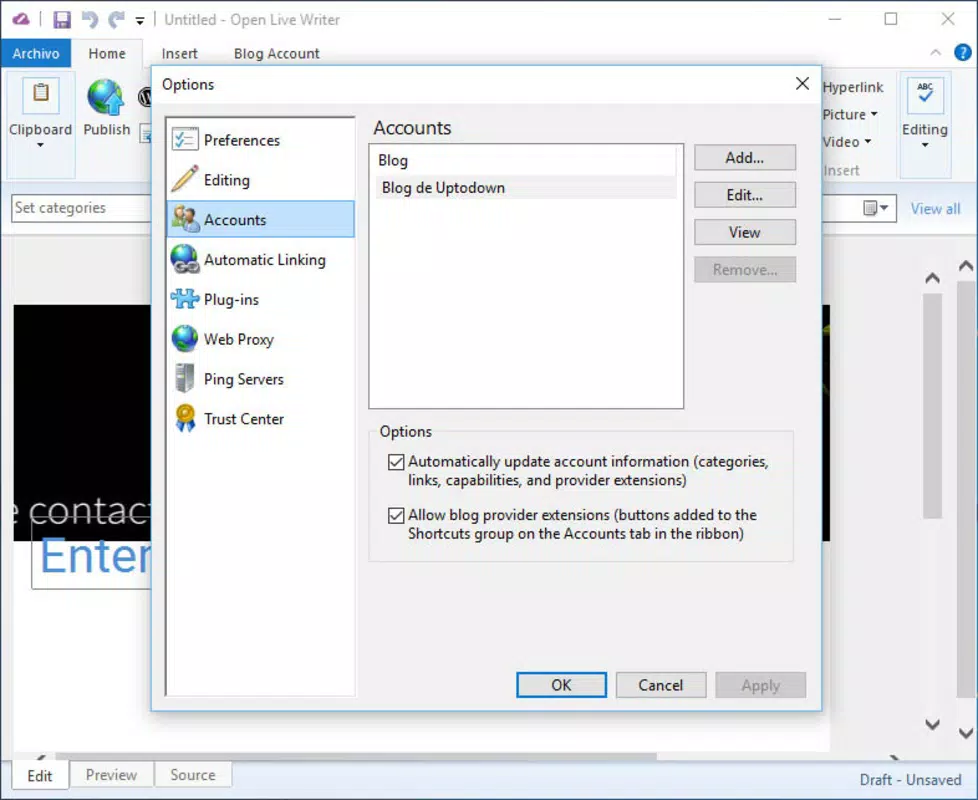
- Multiple CMS Compatibility: Open Live Writer supports integration with major content management systems, including WordPress and Blogger. Users can connect their blogs by entering the site URL and login credentials, enabling seamless publishing across platforms without switching between tabs or applications.
- Draft Saving and Publishing: Writers can compose posts offline and save them as drafts within the application. Once ready, posts can be published directly from the app, eliminating the need to open a web browser and reducing the risk of losing unsaved work.
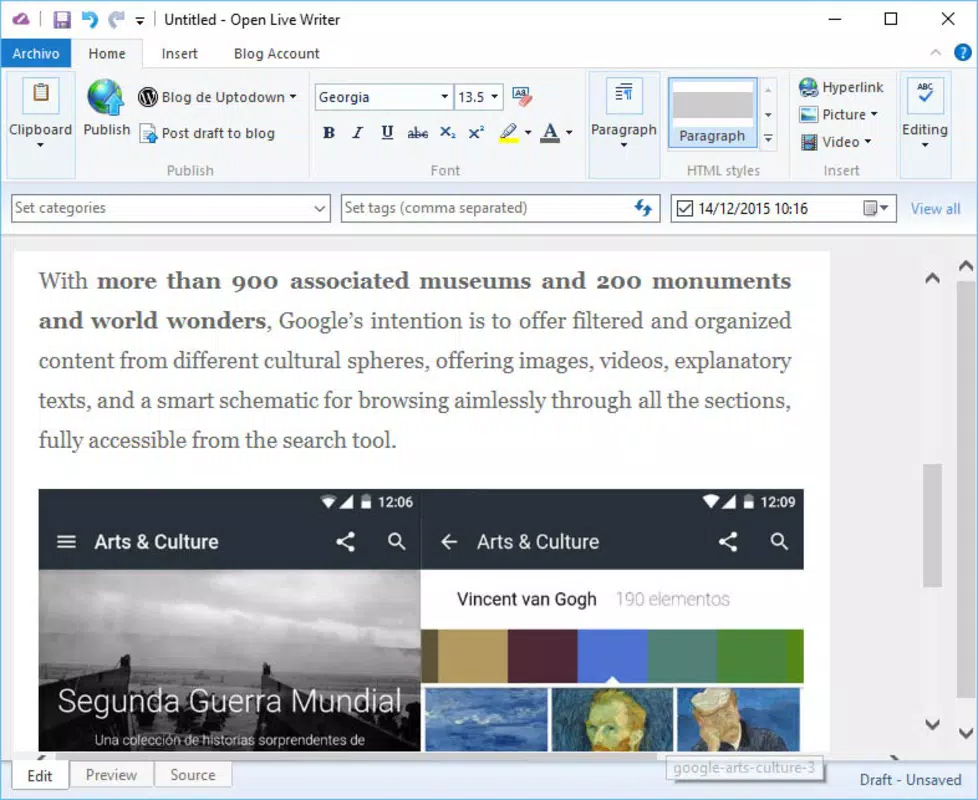
- Rich Multimedia Support: The app allows users to insert images, videos, and other media files directly into their posts. This functionality enhances the visual quality of content and supports more engaging storytelling, crucial for modern blog readership.
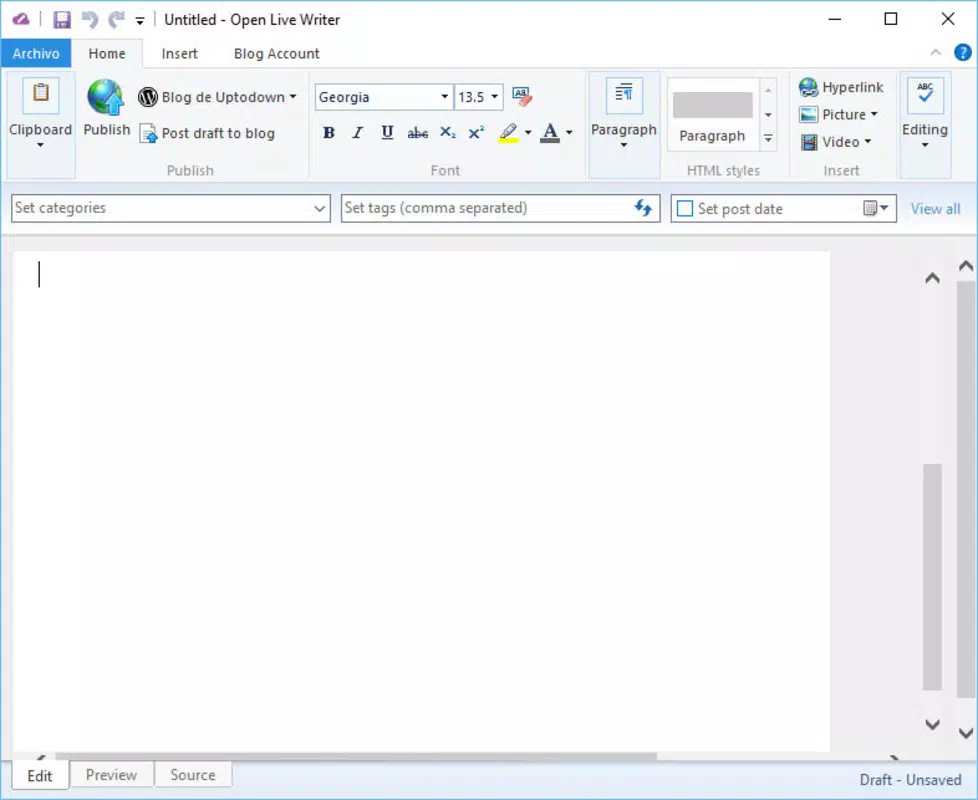
- Familiar Office-Inspired Interface: With a layout reminiscent of Microsoft Office 2010, Open Live Writer offers a clean, intuitive experience. Users accustomed to desktop productivity tools will find navigation and formatting options straightforward, minimizing the learning curve.
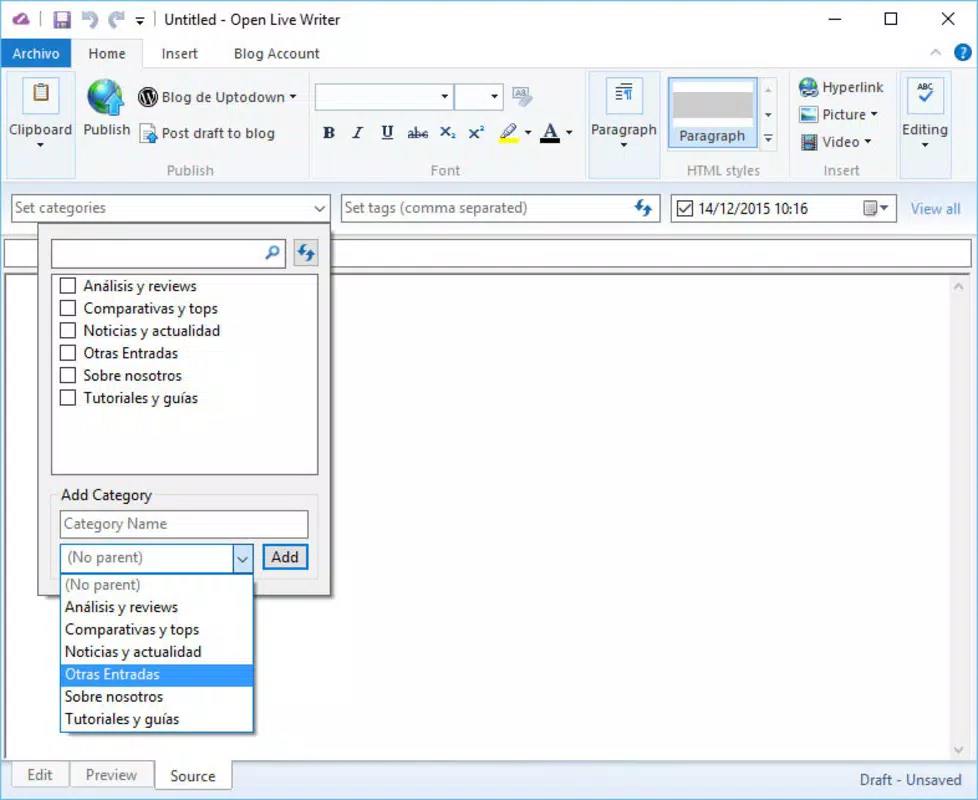
- Custom Tags Functionality: The app includes a tagging system that allows writers to assign custom metadata to posts. This feature aids in content organization, improves searchability, and supports SEO best practices, making it easier to categorize and retrieve articles later.
For example, a freelance blogger managing three separate WordPress sites can use Open Live Writer to draft a single post, apply relevant tags, attach supporting images, and publish simultaneously across all platforms. Similarly, a content team working on a campaign can collaborate by saving drafts locally and syncing them later, ensuring continuity and version control.
Interface, UX & Performance
Open Live Writer features a clean, minimalist interface with a ribbon-style toolbar that mirrors the design language of older Microsoft Office versions. This layout enhances accessibility for users familiar with desktop productivity software. Navigation is linear and predictable, with clear sections for the post editor, media library, and publishing settings. The app maintains a consistent visual hierarchy, ensuring that essential functions are always visible and easy to access.
Users can expect smooth interaction across different device categories, including laptops and desktops with varying screen sizes. Although the developer did not list formal performance metrics, the application’s lightweight architecture suggests efficient memory usage and quick startup times. Responsiveness is maintained during long writing sessions, with minimal lag when inserting media or applying formatting.
Stability is a notable strength, particularly for users who rely on the app for regular content updates. The application handles multiple draft files without crashes, and the auto-save function prevents data loss. However, specific requirements for optimal performance were not disclosed, and compatibility with newer operating systems may vary depending on system configurations. Overall, the user experience is polished and focused on core functionality—writing and publishing—without unnecessary distractions.
Platform Compatibility & Technical Requirements
Open Live Writer is available for Windows operating systems. The app supports modern Windows versions, though the developer did not specify minimum OS requirements. The file size is approximately 100 MB, which is reasonable for a desktop application with multimedia and integration features. The current software version is 2.0.0, released on February 14, 2020.
Although the developer did not provide detailed technical specifications, the app is designed for desktop environments and does not appear to be optimized for mobile devices. Users should ensure their system meets standard desktop computing requirements to run the application smoothly. Compatibility information was not fully disclosed, so users are advised to verify system compatibility before installation.
Pros and Cons
Pros
- Open-source and free to download and use
- Supports multiple CMS platforms including WordPress and Blogger
- Allows offline drafting and local saving of posts
- Intuitive interface familiar to Microsoft Office users
- Robust multimedia embedding and tagging capabilities
Cons
- Not available for mobile platforms such as Android or iOS
- Developer did not list specific system requirements or compatibility details
- Limited support for newer CMS platforms beyond WordPress and Blogger
- Release date is from 2020; no recent updates reported
- May require technical familiarity for advanced configuration
FAQ
Is Open Live Writer safe to download?
Yes, Open Live Writer is an open-source application with publicly available code. It is distributed through official channels and has been reviewed by the developer community, ensuring a secure installation process.
Can I use Open Live Writer on Android or iOS?
No, Open Live Writer is designed exclusively for Windows desktop systems. There is no official version available for Android or iOS devices.
How do I update Open Live Writer?
Updates are released through the official website. Users should periodically check for new versions to ensure access to the latest features and security patches.
Does Open Live Writer support WordPress?
Yes, Open Live Writer supports WordPress sites. Users can connect their blog by entering the site URL and login credentials.
Is Open Live Writer free to use?
Yes, Open Live Writer is completely free and open-source. There are no subscription fees or in-app purchases.
Final Thoughts
Open Live Writer stands out as a reliable, no-frills tool for bloggers who value efficiency, control, and a distraction-free writing environment. Its support for multiple CMS platforms, offline drafting, and intuitive interface make it a strong choice for content creators managing multiple blogs. While it lacks mobile availability and has not seen recent updates, its core functionality remains effective and relevant.
For writers who prioritize desktop-based workflows and want to avoid browser-based CMS interfaces, Open Live Writer delivers real value. It’s especially beneficial for those already using WordPress or Blogger and seeking a more streamlined publishing experience. With its open-source foundation and proven track record, it remains a trusted utility in the digital content ecosystem.
Download Open Live Writer now


